



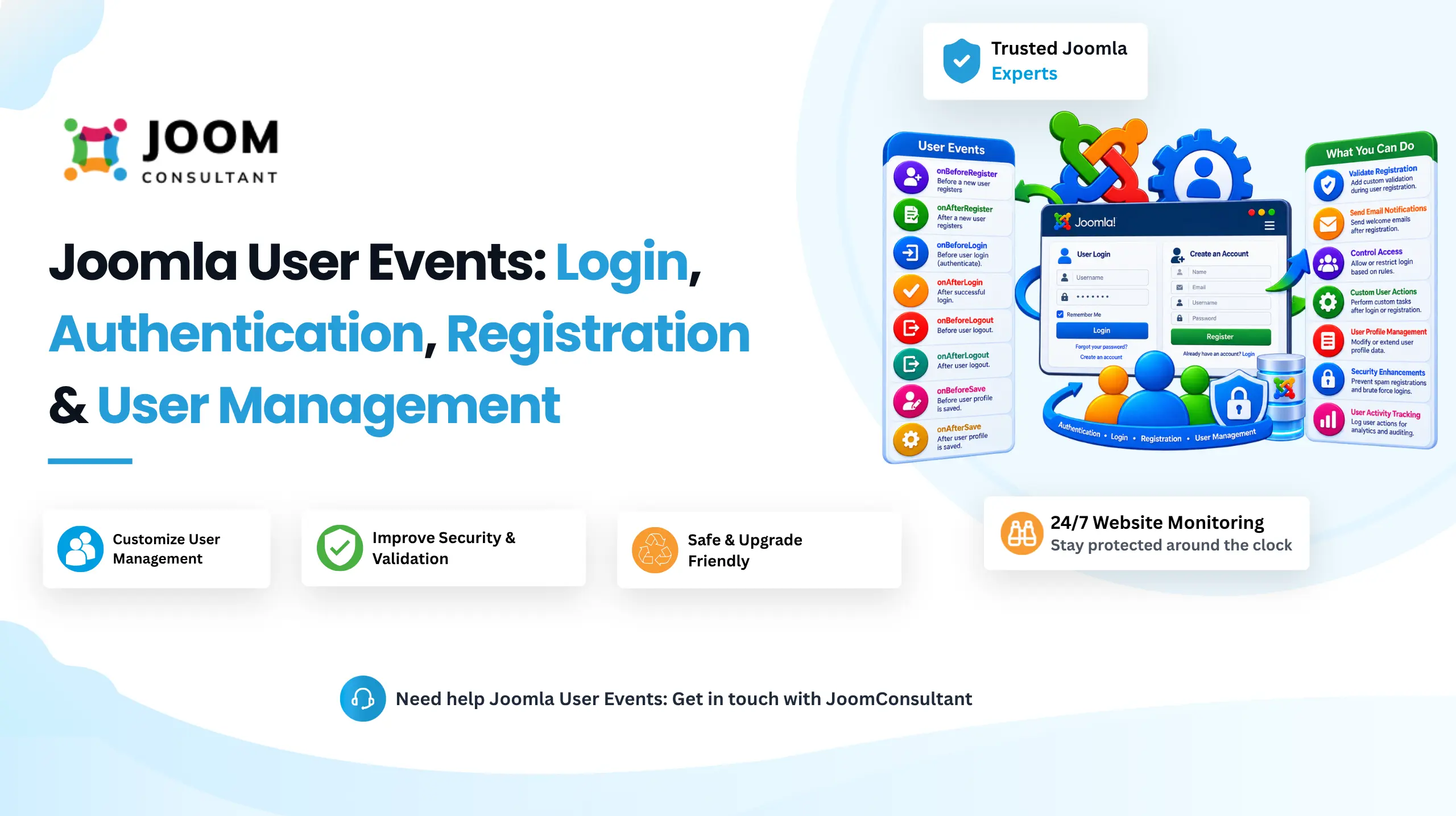
Joomla plugins are powerful extensions that allow developers to add or modify functionality without changing Joomla core files. Plugins work through Joomla's event-driven architecture, enabling custom code to execute automatically when specific actions occur.
Without plugins, adding features such as SEO tools, spam protection, social login, custom validation, or third-party integrations would require direct core modifications, making websites harder to maintain and upgrade. Joomla solves this by providing events that plugins can "hook into" and execute custom functionality when specific actions take place.
User Plugin Events focus specifically on user management and authentication processes. They allow developers to customize login, registration, profile updates, user deletion, and other account-related actions without modifying Joomla core functionality.
In this guide, we will explore all Joomla User Plugin Events, their purpose, parameters, return values, and practical use cases.
What Are Joomla User Plugin Events?
User Plugin Events are triggered during various user-related operations, such as:
- User authentication
- User authorization
- User login
- User logout
- User registration
- USer profile updates
- User account deletion
These events allow developers to extend Joomla user management system while keeping the core application untouched.
Joomla User Plugin Events List
1. onUserAuthorisation
This event is triggered after user has been authenticated but before they are allowed to access the website. It provides an opportunity to perform additional authorization checks before login is completed.
Common Use Cases
- Block suspended or inactive accounts
- Restrict login by IP address
- Restrict login by time of day
- Add custom multi-factor authentication
- Extend Joomla authorization logic
Syntax
onUserAuthorisation($user, $options)
2. onUserAuthorisationFailure
This event is triggered when user has been successfully authenticated but is not authorized to access the website.
Common Use Cases
- Log denied login attempts
- Send administrator alerts
- Display custom authorization messages
- Perform security auditing
Syntax
onUserAuthorisationFailure($user)
3. onUserLogin
Overview
This event occurs after user has been authenticated and authorized but before the login process is fully completed.
Common Use Cases
- Execute custom business logic
- Redirect users based on roles
- Display welcome messages
- Initialize custom session data
Syntax
onUserLogin($user, $options)
Need Custom Login or Security Logic Built Right?
We build secure, update safe Joomla authentication flows using core events like these, brute force protection, custom login rules, and more.
Talk to a Joomla Developer
4. onUserLogout
Overview
This event is triggered before user logs out of system. It allows developers to perform cleanup tasks or logging before the session ends.
Common Use Cases
- Record logout activity
- Update last active timestamps
- Clear custom session data
- Save user activity information
Syntax
onUserLogout($credentials, $options)
5. onUserLoginFailure
Overview
This event is triggered whenever a user authentication attempt fails.
Common Use Cases
- Log failed login attempts
- Implement brute-force protection
- Send security alerts
- Return custom AJAX error responses
Syntax
onUserLoginFailure($response, $options)
6. onUserAfterLogin
Overview
This event is triggered immediately after a successful login has been completed.
Common Use Cases
- Send welcome-back emails
- Trigger CRM integrations
- Award loyalty points
- Redirect users to custom pages
Syntax
onUserAfterLogin($response, $options)
7. onUserBeforeSave
Overview
This event is triggered before user information is saved to the database. It is commonly used for validation and data modification.
Common Use Cases
- Validate custom fields
- Enforce password policies
- Prevent unauthorized modifications
- Synchronize user data with external systems
Syntax
onUserBeforeSave($oldUser, $isNew, $newUser)
8. onUserAfterSave
Overview
This event runs after a user record has been successfully created or updated.
Common Use Cases
- Send welcome emails
- Assign custom user groups
- Log profile updates
- Notify administrators about changes
Syntax
onUserAfterSave($user, $isnew, $success, $msg)
9. onUserBeforeDelete
Overview
This event is triggered before a Joomla user account is deleted.
Common Use Cases
- Prevent deletion of protected accounts
- Archive user information
- Log deletion attempts
- Notify administrators
Syntax
onUserBeforeDelete($user)
10. onUserAfterDelete
This event is triggered after a user account has been successfully deleted from Joomla.
Common Use Cases
- Remove related records
- Synchronize deletions with external systems
- Create audit logs
- Send deletion notifications
- Clean up user-related data
Syntax
onUserAfterDelete($user, $success, $msg)
 Building a Custom Joomla User Management Feature?
Whether it's custom registration logic, role based access, or integrating your login with a CRM, we build it directly on Joomla core, no shortcuts, no core file edits.
Talk to a Joomla DeveloperConclusion
Joomla User Plugin Events provide a powerful way to extend authentication and user management functionality without modifying Joomla core files. Whether you need to validate user data, implement advanced security rules, integrate external services, or track user activity, these events provide the necessary hooks to customize Joomla efficiently and safely.
By understanding and using these User Plugin Events correctly, developers can build secure, maintainable, and scalable Joomla extensions while preserving compatibility with future Joomla updates.