


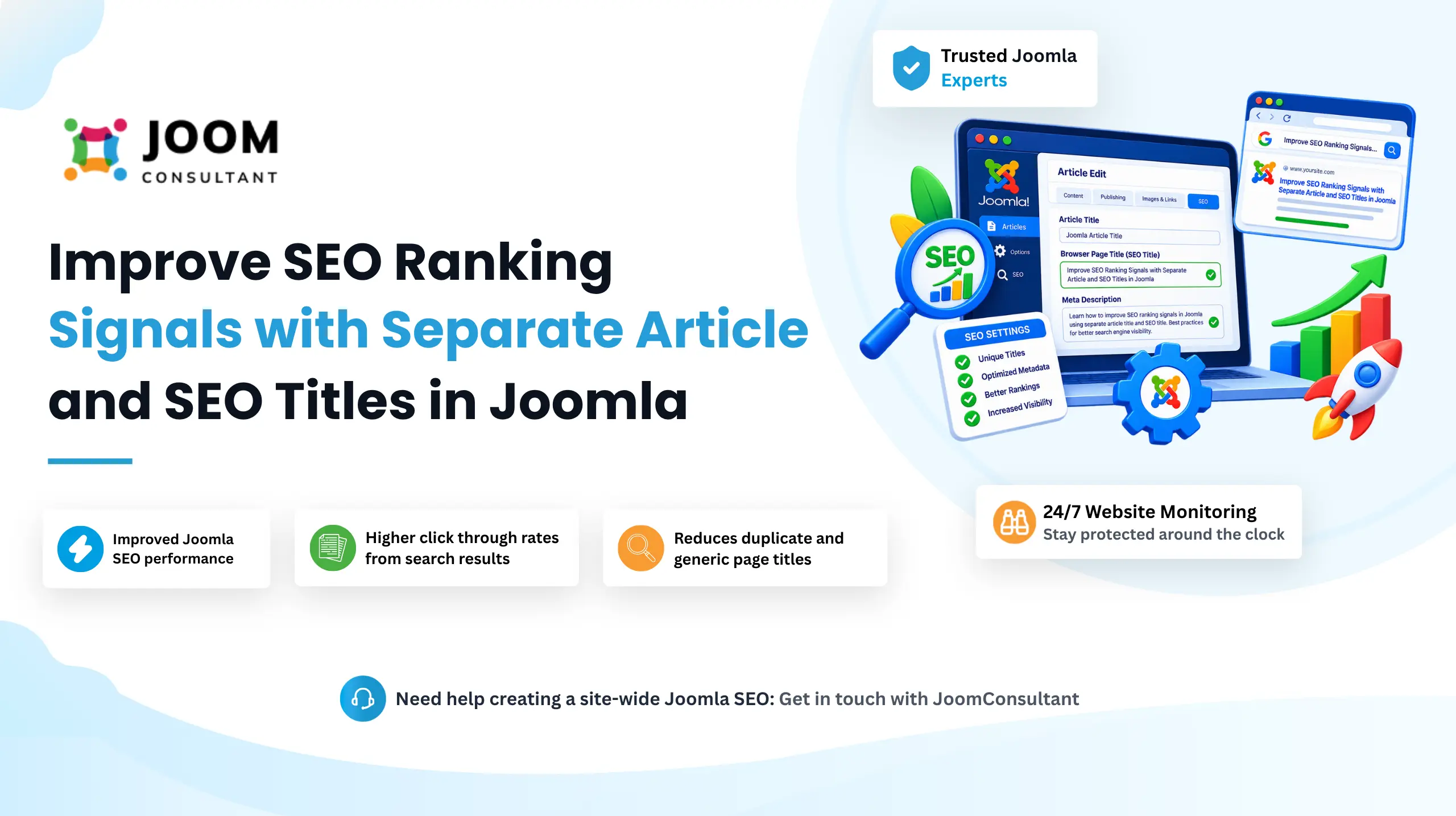
The Article Title is your pages visible heading(H1), designed for visitors reading the content.The SEO Title (browser page title) is what appears in search engine results, browser tabs, and social media shares. Since these serve different purposes, using the same title for both often limits your Joomla SEO potential.
By default, Joomla uses the article title as both the page heading and the Seo title. For better Joomla SEO, it often beneficial to separate them. For example: your article heading could simply be (Our Story) for a cleaner user experience, while the SEO title could be "About Us | Company History, Mission & Team" to target relevant keywords and improve search visibility.
Separating article titles from SEO titles allows you to create visitor-friendly page headings while optimizing browser titles for search engines. This helps improve keyword relevance, click-through rates from search results, and overall Joomla SEO performance without affecting the page's visual design.
How It Works
1. Set a Separate SEO Title for Better Joomla SEO
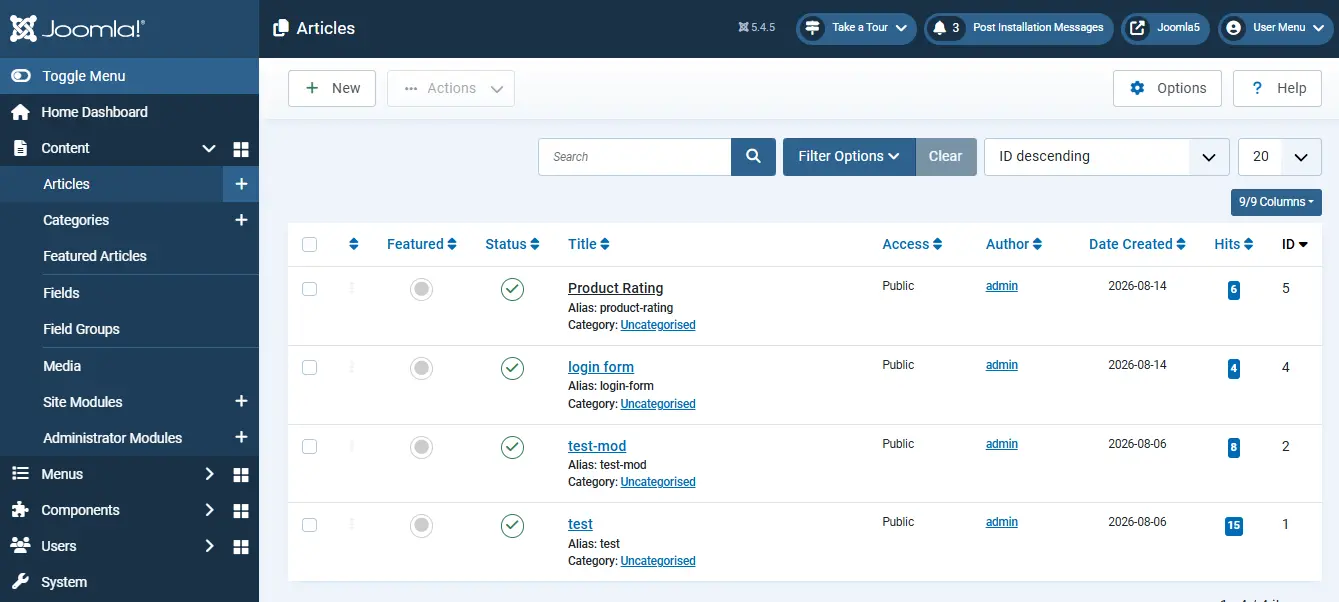
- Log in to the Administrator.
- Open the article: Content → Articles → (your article).
- Go to the Publishing tab.
- In the Browser Page Title field, enter your SEO-optimized title. Include relevant keywords that you want the page to rank for in search engines .
- Save.
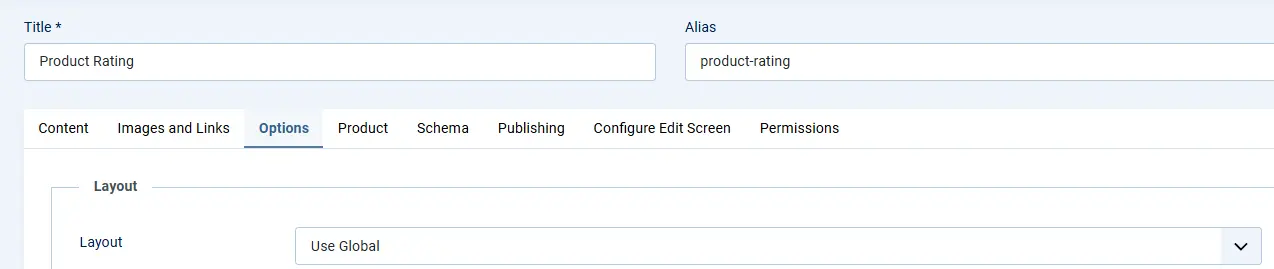
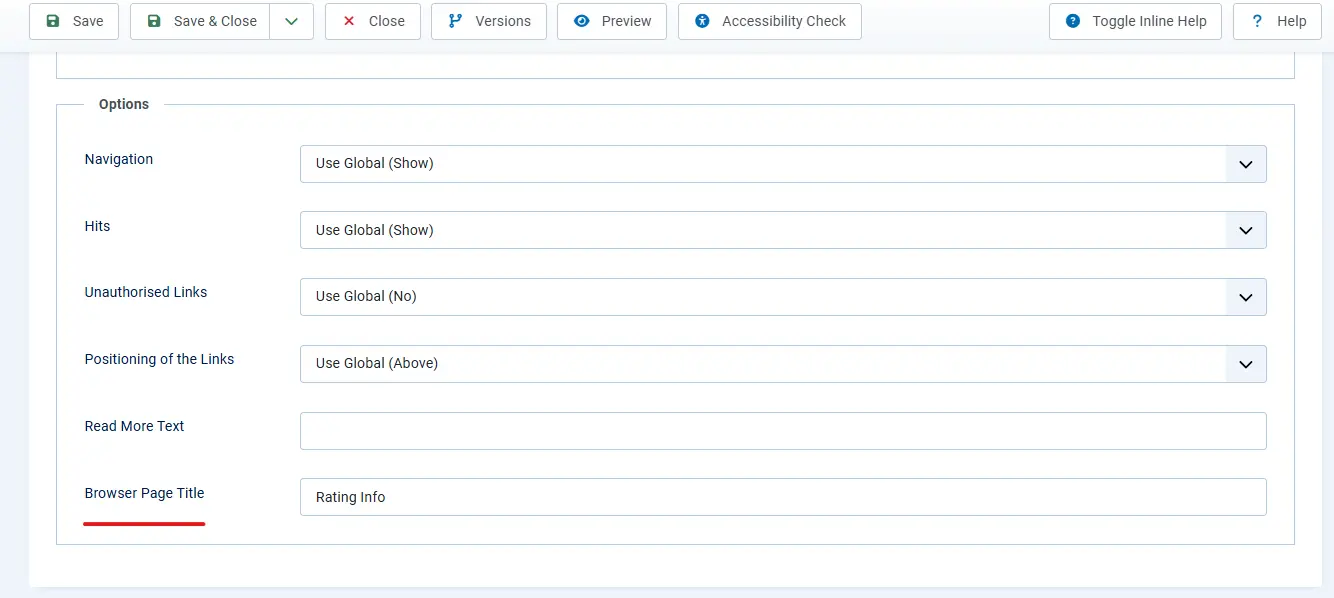
The article title remains the visible H1 heading shown to visitors, while the Browser Page Title becomes the page's SEO title that appears in browser tabs, search engine results, and social media shares. This separation allows you to create user-friendly page headings while improving your Joomla SEO with more descriptive, keyword-focused titles.
Advanced Joomla SEO Optimization Techniques
Making your Joomla website easy to find on Google and fast to load is very important.
This guide will help you improve both SEO (how search engines find your site) and performance (how quickly it loads).
Get Joomla SEO Help
2. Verify the SEO Title on the Frontend
- Visit the article on the frontend. The visible page heading will display the Article Title (H1) that visitors see.
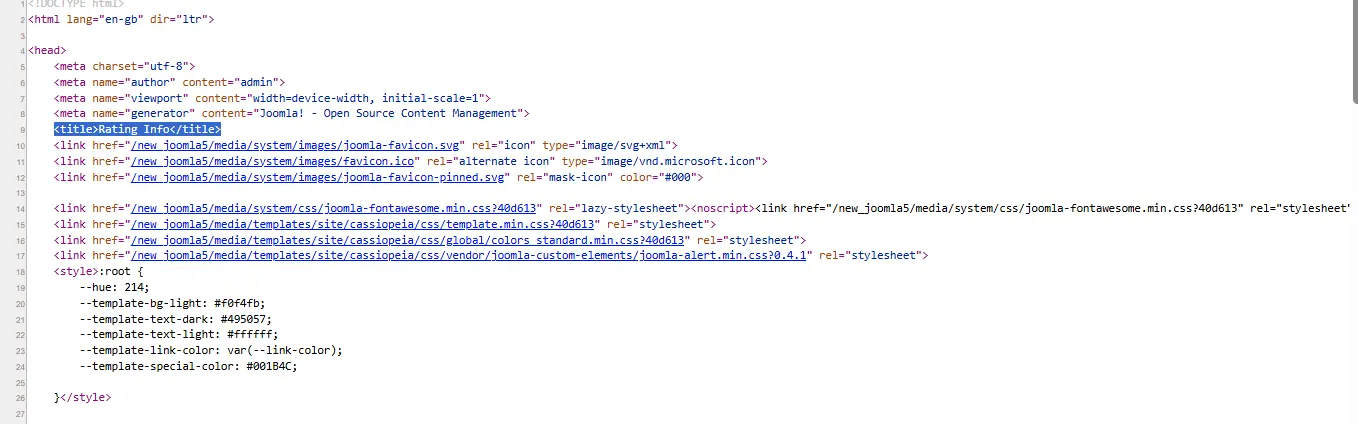
- To verify the SEO title, right click the page and select View Page Source.
- Near the top of the source code, locate , <title> tag.
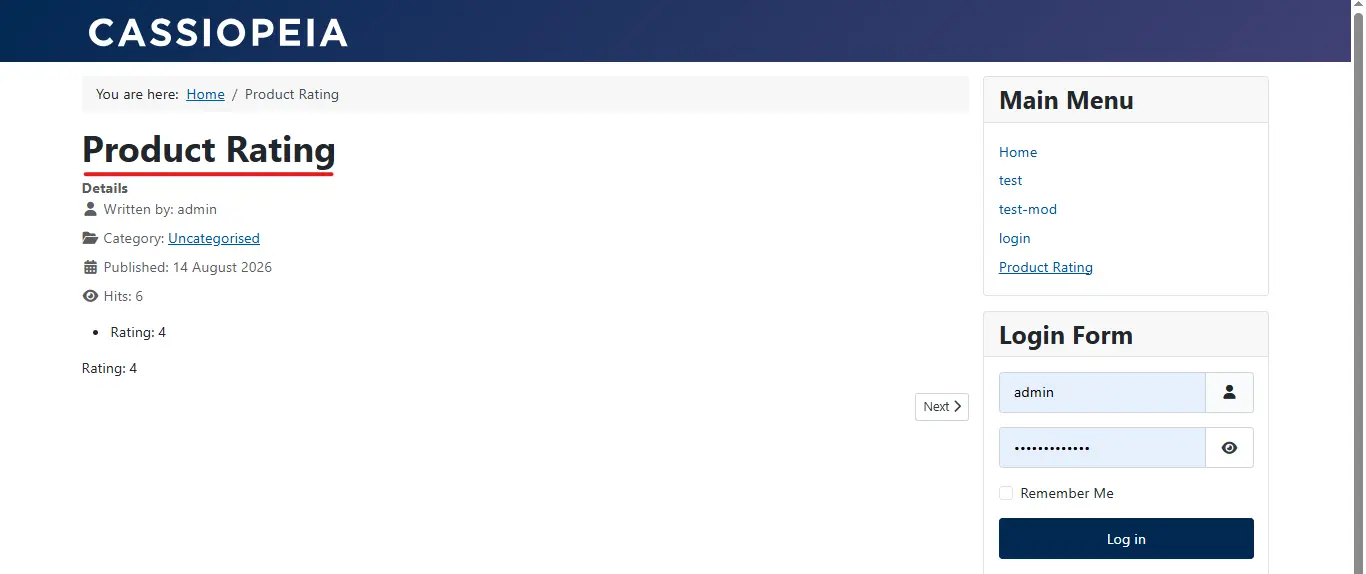
The text inside the <title>tag is the SEO Title used by search engines, browser tabs, and social media platforms. If it differs from the visible article heading, Joomla is successfully using separate titles, giving you greater control over your Joomla SEO strategy.
Benefits of Setting Different Article and SEO Titles in Joomla
Improved Joomla SEO performance. Search engines place significant importance <title> tag when determining a page's relevance. By setting a separate Browser Page Title, you can include important keywords and search phrases without changing the visitor-facing heading.
Higher click through rates from search results. The visible article title can remain short and user friendly, while the SEO title can be optimized to attract clicks with keywords, benefits, or descriptive wording that performs better in search results.
Better branding and browser tab visibility. The Browser Page Title is also displayed in browser tabs and bookmarks. Using a custom SEO title allows you to include your brand name or additional context while keeping heading clean and focused.
More flexibility for content optimization. Different audiences have different requirement. Visitors may prefer concise headings, while search engines benefit from informative titles. Separating the two gives you the flexibility to optimize for both user experience and Joomla SEO.
Reduces duplicate and generic page titles. When multiple articles have similar headings, unique Browser Page Titles help search engines distinguish between pages, improving crawlability and reducing the risk of duplicate title issues across your Joomla website.
 Need Help With Advanced Joomla SEO?
Need help creating a site-wide Joomla SEO title strategy, including title templates, branding patterns, and multilingual SEO optimization? JoomConsultant can help you implement a consistent approach across your entire Joomla website.
Get Expert Joomla Help →