



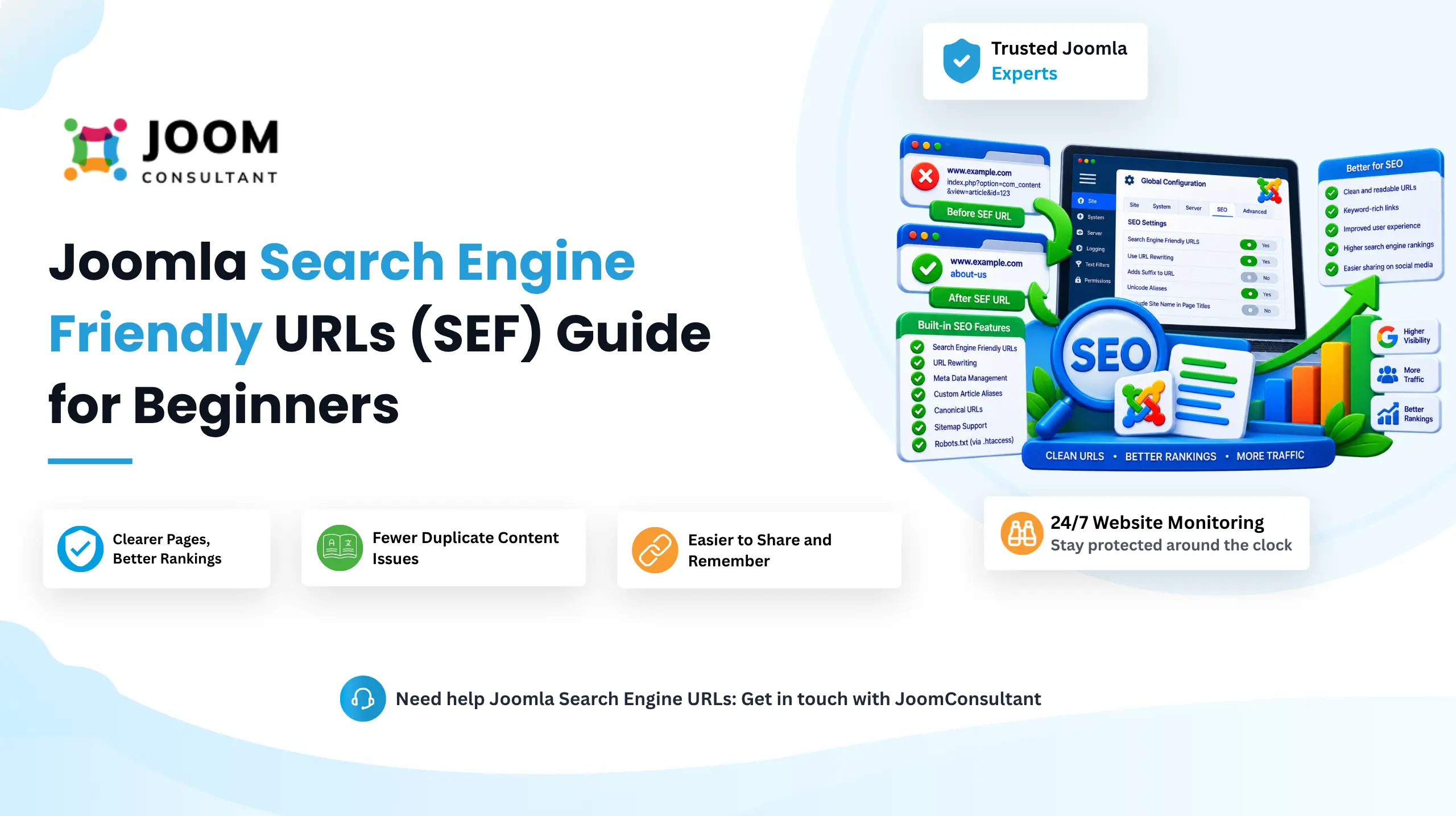
SEF stands for Search Engine Friendly URLs.
SEF URLs make website addresses easier for both visitors and search engines to understand. Instead of displaying complex Joomla routing parameters, SEF URLs convert them into clean and readable links.
For example, Joomla may generate a URL like:
index.php?option=com_content&view=article&id=123&catid=45
While functional, this URL provides very little information about the page content.
With SEF URLs enabled, the same page could become:
/joomla-seo-guide
A visitor can immediately understand what the page is about simply by looking at the URL.
SEF stands for Search Engine Friendly URLs.
SEF URLs make website addresses easier for both visitors and search engines to understand. Instead of displaying complex Joomla routing parameters, SEF URLs convert them into clean and readable links.
For example, Joomla may generate a URL like:
index.php?option=com_content&view=article&id=123&catid=45
While functional, this URL provides very little information about the page content.
With SEF URLs enabled, the same page could become:
/joomla-seo-guide
A visitor can immediately understand what the page is about simply by looking at the URL.
Why Joomla Uses SEF URLs
Without SEF URLs enabled, Joomla relies on its internal routing structure.
When a visitor opens a page:
- The browser sends the URL to Joomla.
- Joomla reads query parameters such as:
option=com_content
view=article
id=123
- Joomla determines which component, view, and article should be displayed.
- The requested content is loaded.
This process works correctly, but the resulting URLs are not user-friendly.
How SEF URLs Work in Joomla
When SEF URLs are enabled, Joomla converts its internal routing information into clean URLs.
The process works as follows:
- A visitor requests a friendly URL.
- Joomla's Router analyzes the URL.
- Joomla identifies the related component, category, and article.
- Joomla converts the friendly URL back into internal routing information.
- The correct content is displayed.
SEF URLs only change how URLs appear. Joomla still stores and processes content using its internal IDs and routing system.
Problems with Non-SEF URLs
Using default Joomla URLs can create several issues:
Poor User Experience
Visitors cannot easily understand what a page contains by looking at the URL.
Difficult Sharing
Complex URLs appear less professional when shared through email, social media, or messaging apps.
Duplicate Content Issues
The same page may become accessible through multiple URL variations:
- With or without index.php
- With or without trailing slashes
- Different parameter orders
Search engines may treat these as separate pages, which can dilute ranking signals and create duplicate content issues.
Reduced SEO Clarity
Search engines prefer URLs that contain meaningful keywords instead of technical parameters and ID numbers.
How to Enable SEF URLs in Joomla
Navigate to:
Administrator → System → Global Configuration → Site
Then enable:
Search Engine Friendly URLs
This converts Joomla's default URLs into readable URLs.
Example:
Before:
/index.php?option=com_content&id=25
After: /joomla-seo-guide
Use URL Rewriting
The Use URL Rewriting option removes index.php from URLs completely.
Example
Without URL Rewriting: /index.php/joomla-seo-guide
With URL Rewriting: /joomla-seo-guide
Important
Before enabling this setting, rename:
htaccess.txt
to:
.htaccess
in your Joomla root directory.
Failing to do this may cause website pages to stop loading correctly.
Add Suffix to URL
This option appends a suffix such as .html to generated URLs.
Example
/joomla-seo-guide.html
Some users associate .html URLs with traditional web pages, although modern SEO generally sees little advantage in using URL suffixes.
Unicode Aliases
This setting determines how Joomla handles non-English characters in URLs.
Every article, category, and menu item contains an Alias field that becomes part of the URL.
Default Behavior
If your article title is:
Café Français
Joomla converts it into:
cafe-francais
When Unicode Aliases Are Enabled
The URL becomes:
café-français
This feature is particularly useful for multilingual websites because URLs remain readable in their original language.
Site Name in Page Titles
This setting controls how your website name appears inside the HTML <title> tag.
The title tag is important because it appears:
- In browser tabs
- In search engine results
- When pages are shared
Available Options
No
Joomla SEO Guide
Before
My Website - Joomla SEO Guide
After
Joomla SEO Guide - My Website
For most websites, the After option provides the best balance between branding and SEO.
Joomla Metadata Settings
Site Meta Description
This is the default description Joomla uses when a page does not have its own meta description.
Keep it concise and descriptive.
Example:
Professional Joomla development, migration, maintenance and SEO services.
Robots Setting
The Robots setting controls the site's default robot directives.
Index, Follow
Search engines can:
- Index the page
- Follow links
Recommended for most public websites.
No Index, Follow
Search engines:
- Do not index the page
- Continue following links
Useful for utility pages.
Index, No Follow
Search engines:
- Index the page
- Ignore links
Used less frequently.
No Index, No Follow
Search engines:
- Do not index the page
- Do not follow links
Commonly used for staging or private websites.
Content Rights
This field allows you to add copyright or legal information about your website's content.
Example:
Copyright © 2026 JoomConsultant. All Rights Reserved.
This setting has little direct SEO impact but helps establish content ownership.
Author Meta Tag
When enabled, Joomla adds the author's name to:
<meta name="author">
This can be useful for author attribution but has minimal direct SEO impact.
Joomla Version
This setting determines whether Joomla's version number appears in the generator meta tag.
Recommended Setting
No
Hiding the Joomla version reduces the amount of technical information exposed to potential attackers.
Benefits of Using Joomla SEF URLs
Improved Readability
Visitors can instantly understand the page topic.
Cleaner URLs
Removes unnecessary Joomla routing parameters.
Better URL Structure
URLs can contain meaningful keywords.
Easier Sharing
Clean URLs are easier to remember and share.
Better SEO
Search engines can better understand page topics from descriptive URLs.
Remove index.php
URL Rewriting creates the cleanest possible URL structure.
Reduce Duplicate Content
Modern Joomla routing helps prevent multiple URLs from pointing to the same content.
 Want Your Joomla SEO Settings Configured Correctly?
We handle SEF URLs, metadata, and technical SEO configuration as part of our Joomla SEO service, done right the first time, no guesswork.
See Our Joomla SEO ServicesConclusion
SEF URLs are one of the most important Joomla SEO settings and should be enabled on almost every production website. They create cleaner URLs, improve usability, help search engines understand your content, and reduce duplicate URL issues.
Combined with URL Rewriting, proper metadata settings, and optimized page titles, Joomla's built-in SEO features provide a strong foundation for improving your website's search visibility without installing any additional SEO extensions.