


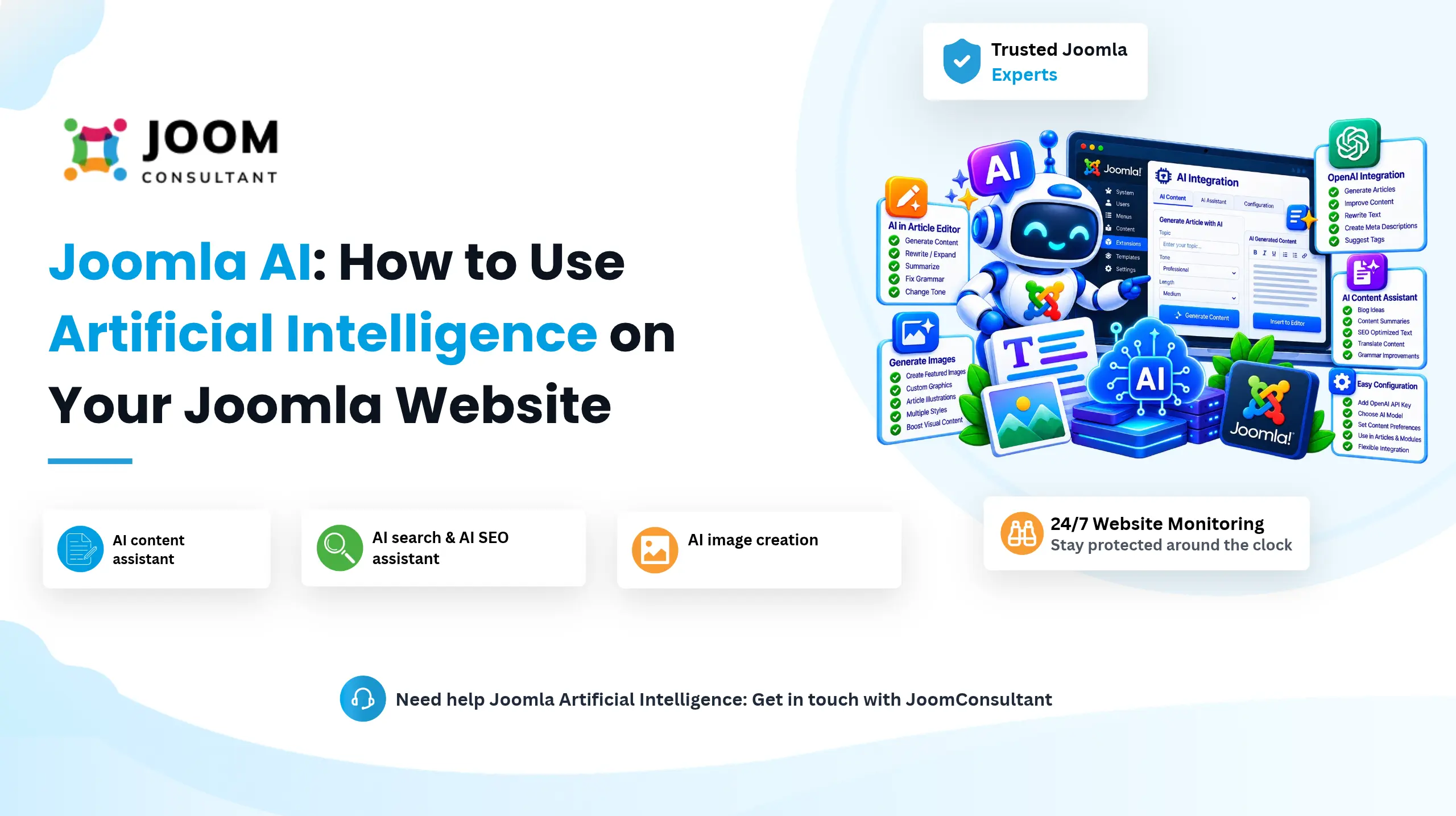
Joomla AI means using artificial intelligence inside your Joomla website or its extensions to save time on content, SEO, translation and visitor support. It does not replace you. It gives you a first draft or a suggestion, and you decide what goes live. This guide explains what Joomla AI can do, how it works, and what to check before you add it to your site.
What Is Joomla AI?
Joomla AI is the use of AI services together with Joomla to handle tasks that normally take manual effort. In most cases an extension in your Joomla administrator sends a request to an AI service and shows you the result.
Typical tasks include:
- Writing article ideas, titles, introductions and summaries
- Suggesting meta titles, meta descriptions and keywords
- Translating content into other languages
- Answering visitor questions with a chatbot
- Searching your content by meaning, not only by exact words
- Creating images from a text description
Why Use AI with Joomla?
Running a website involves many repeated jobs. Writing, preparing SEO details, translating and answering the same support questions all take time. AI can shorten each of them.
- Content: AI can draft ideas, titles and summaries. You edit and approve them.
- SEO: AI can suggest meta titles and descriptions from the administrator, so you do not start from a blank field.
- Support: A chatbot can answer common questions at any hour, so visitors do not wait for an email reply.
- Planning: AI can suggest topics when you are short of ideas.
How Does Joomla AI Work?
Most Joomla AI features follow the same path. Joomla sends your request through an extension to an AI service using an API, and the answer comes back to your site.
Joomla Website → AI Extension → AI API → AI Model → Response → Joomla Website
For example, when you ask for a summary of an article:
- You select the article text in the Joomla administrator.
- The extension sends the text to the AI service.
- The AI service processes the request.
- The answer is returned to Joomla.
- You read it, change it if needed, and save it.
The exact steps depend on the AI provider and the extension you choose.
Examples of Joomla AI Features
- AI chatbot: Answers visitor questions using the information on your website.
- AI search: Understands what a visitor means, not only the exact words typed.
- AI content assistant: Offers writing help inside the Joomla administrator.
- AI translation: Creates a first translation of your content for a multilingual site.
- AI SEO assistant: Reviews an article and suggests titles, descriptions and headings.
- AI image creation: Produces images from a written description.
How to Add AI to Your Joomla Website
- Decide the problem first. Choose one task, such as writing meta descriptions or answering support questions.
- Choose an extension. Look at the Joomla Extensions Directory and check that the extension supports your Joomla version and is updated regularly.
- Connect an AI service. Most extensions ask for an API key from an AI provider. Keep the key private.
- Test on a staging site. Try the feature on a copy of your website before you use it on the live one.
- Set a review step. Make sure a person reads every AI result before it is published.
- Watch the cost. Check your usage in the provider dashboard during the first weeks.
Not Sure Which AI Feature Fits Your Site?
Send your site address and a few lines about your goal. I reply with a written review and next steps within one working day. No obligation.
Get a Site Review
Things to Consider Before You Use AI with Joomla
Data Privacy
Do not send sensitive information to an AI service. If the extension sends article text or user data, find out what is sent and how the provider handles it. If you serve visitors in Germany or other countries with strict data rules, add the AI provider to your privacy policy and check whether a data processing agreement is needed.
API Costs
Many AI services charge per request. Every call from your website can use credits, so set a spending limit if the provider allows it.
Accuracy
AI can be wrong while sounding sure. Always check facts, names, prices and technical steps before you publish.
Human Decision Making
AI saves time, but a person should always make the final decision.
Is Joomla AI Right for Every Website?
Not always. Before you add an AI feature, ask:
- What problem will it solve?
- What information will be sent to the AI service?
- Does it need an API key, and what will it cost?
- Who will review the generated content?
- How will sensitive information be protected?
If you cannot answer these, start with a small test on one task.
Frequently Asked Questions
 Need Help Adding AI to Your Joomla Website?
Tell me what you want to improve. I check your site, suggest what fits and set it up safely.
Request My Site Review