
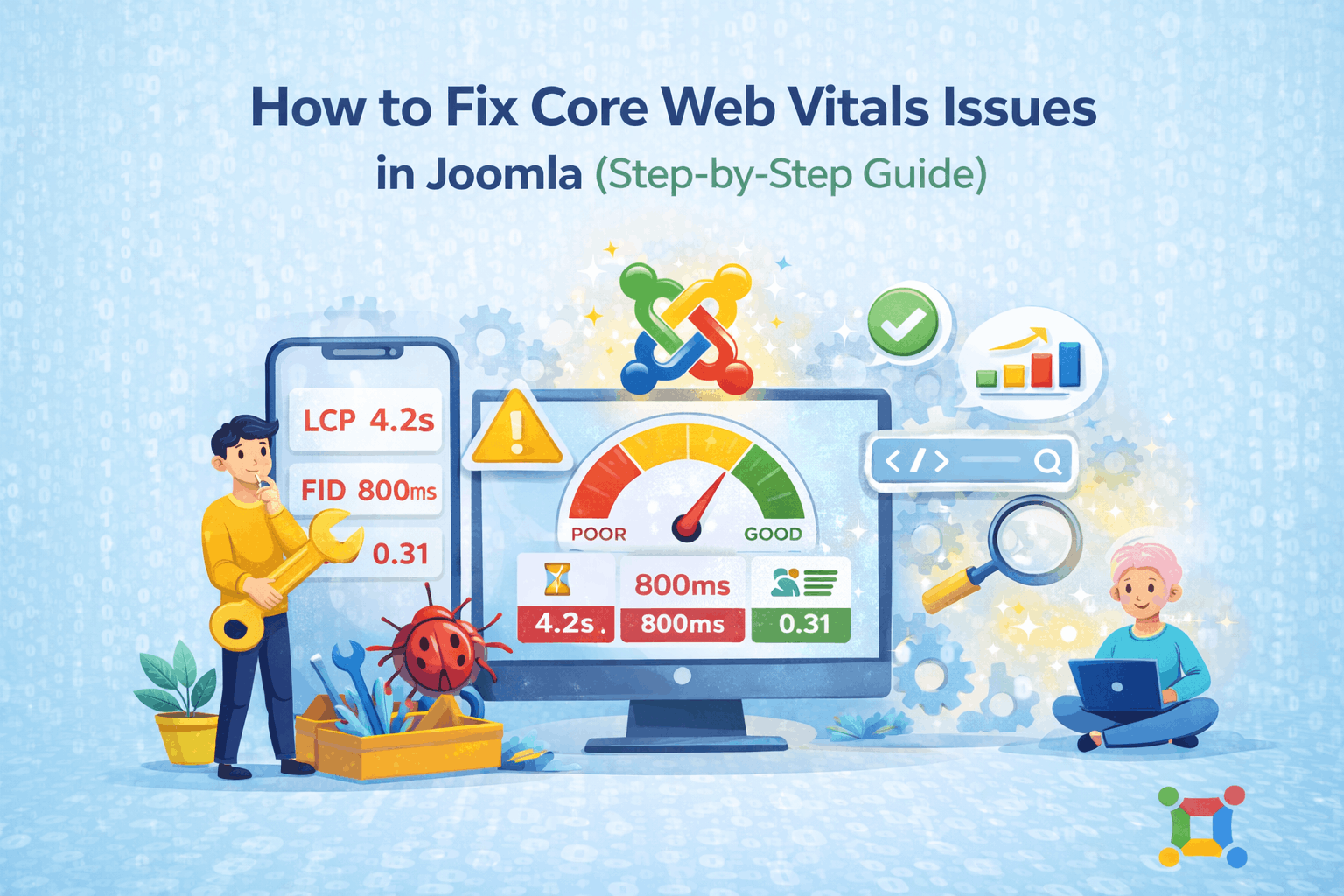
Core Web Vitals are official Google performance metrics that measure real user experience on a website. If your Joomla website fails Core Web Vitals, it can impact search visibility, user engagement, and overall performance.
The good news is that Core Web Vitals issues in Joomla can be fixed with proper configuration, optimization, and maintenance.
This guide explains what Core Web Vitals are, why Joomla sites face issues, and how to fix Core Web Vitals issues in Joomla step by step.
What Are Core Web Vitals?
Core Web Vitals focus on three key performance signals:
Largest Contentful Paint (LCP)
Measures loading performance.
Good score: under 2.5 seconds
Interaction to Next Paint (INP)
Measures responsiveness and interaction delay.
Good score:under 200 ms
Cumulative Layout Shift (CLS)
Measures visual stability.
Good score: under 0.1
These metrics are based on real user data, not just speed tests.
Why Joomla Websites Face Core Web Vitals Issues
Most Joomla Core Web Vitals problems are caused by configuration and maintenance issues, such as:
- Heavy templates and layouts
- Large or unoptimized images
- Too many extensions
- Render-blocking CSS and JavaScript
- Missing caching and compression
- Low-quality hosting environments
These are fixable issues, not platform limitations.
How to Fix Core Web Vitals Issues in Joomla
Secure Your Joomla Site Before It’s Too Late
If your website is still on Joomla 3 or Joomla 4, we can help you migrate safely to Joomla 5 or Joomla 6 without losing design, content, or SEO rankings.

How to Measure Core Web Vitals for Joomla
Use trusted tools:
- Google PageSpeed Insights
- Google Search Console (Core Web Vitals report)
- Chrome User Experience Report
Common Mistakes to Avoid
- Installing too many optimization plugins
- Lazy-loading critical images
- Over-minifying without testing
- Ignoring mobile performance
- Running outdated Joomla versions
Related Post: SEO and Performance Optimization in Joomla
When Joomla Is a Strong Choice
Joomla is an excellent choice when:
- You need advanced user roles and permissions
- Your website requires structured content
- Multilingual support is essential
- Stability and security are priorities
- You prefer an open-source, community-driven CMS
Maintaining a Healthy Joomla Website
To ensure long-term success with Joomla:
- Keep core and extensions updated
- Remove unused extensions
- Use supported templates
- Choose quality hosting
- Perform regular backups
Following best practices ensures Joomla remains reliable and future-ready.
 Ready to Modernize Your Joomla Website?
Whether you want a full migration to Joomla 5/6 or need temporary hardening for your current Joomla site, our team is here to help.
Schedule a Free Consultation Today
We’ll review your needs and guide you through the next steps—no obligation.
Conclusion
Core Web Vitals optimization is about clean structure, efficient loading, and proper maintenance.
With the right setup:
- Joomla can meet Google’s Core Web Vitals standards
- User experience improves
- Performance remains stable over time


